Guide
How to Fix an Email That Bounced Back, Code by Code
Read the code in the bounce before you do anything else. A code that starts with 5 is a permanent failure, so sending it again won't help. One that starts with 4 is temporary, so your server will keep trying. A 7 in the middle, like 5.7.26, usually means your own domain's mail records need fixing.
Three Things to Know
- 5.1.1 and 5.1.10 mean the address doesn't exist. Check the spelling, then the part after the @.
- 5.7.26, 5.7.23 and 5.7.509 point at SPF, DKIM or DMARC on your domain. Gmail and Microsoft both reject mail that fails those checks.
- In our October 28, 2026 check of 1,285 small business domains with email, 312 had no SPF record and 839 had no DMARC record.
You'll hear that a bounce means the other person's inbox is full. Sometimes it is. Most of the time the bounce tells you exactly what broke, in a short code. Under RFC 3463, the internet standard for those codes, the first digit says whether to try again and the second says where the problem lives.1
So stop guessing and read the code. It takes about a minute, and it tells you whether the fix is on your side, their side, or nobody's.
Find the Code in the Bounce
Open the bounce message and scroll past the friendly part. Near the bottom you'll find a line with a three digit number and then three numbers split by dots, like 550 5.1.1. That second part is the one to read.
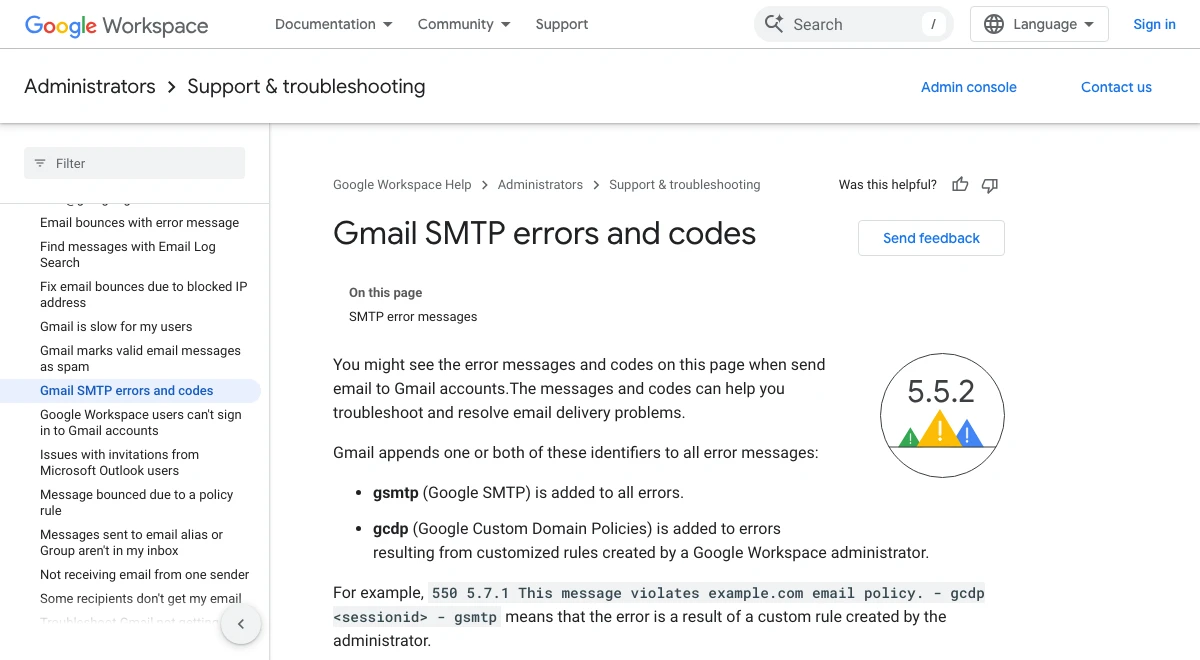
If the line ends with gsmtp, the bounce came from Gmail.2 Outlook and Microsoft 365 bounces put the code in a section for the sender's admin, along with the server that refused the message.3
| First digit | What it means | What to do |
|---|---|---|
| 2 | Delivered | Nothing1 |
| 4 | Temporary failure | Wait. Your mail server keeps retrying1 |
| 5 | Permanent failure | Fix something, then send again1 |
| Second digit | Where the problem is | Who usually fixes it |
|---|---|---|
| X.1 | The address | You, by fixing a typo1 |
| X.2 | Their mailbox, like full or turned off | The person you wrote to1 |
| X.3 | Their mail system | Their mail admin1 |
| X.4 | The network or routing | Whoever runs the DNS or servers1 |
| X.7 | Security or policy | Often you, through your domain's records1 |
The Bounce Codes Small Businesses Hit Most
These come from Google's Gmail SMTP error list2 and Microsoft's Exchange Online bounce list.3
| Code | Sent by | What it means | The fix |
|---|---|---|---|
| 550 5.1.1 | Gmail and Microsoft | That address doesn't exist23 | Check the spelling and any extra spaces |
| 550 5.1.2 | Gmail | The domain after the @ wasn't found2 | Check the domain, like gmial.com |
| 5.1.10 | Microsoft | Recipient not found3 | Confirm the address with the person |
| 552 5.2.2 | Gmail | Their mailbox is full2 | Reach them another way, retry later |
| 5.2.2 | Microsoft | You went over your sending limit3 | Stop and check your account |
| 552 5.3.4 | Gmail | The message is too big2 | Send a link instead of the file |
| 550 5.7.26 | Gmail | Failed SPF and DKIM, or DMARC blocked it2 | Fix your domain's mail records |
| 5.7.23 | Microsoft | Failed SPF3 | Fix your SPF record |
| 5.7.509 | Microsoft | Failed DMARC with a reject policy3 | Fix SPF or DKIM so they line up |
| 550 5.7.25 | Gmail | The sending server has no reverse DNS2 | Ask your email host |
| 421 4.7.0 | Gmail | A temporary block2 | Wait, it retries on its own |
| 421 4.7.28 | Gmail | Too much mail from you at once2 | Slow down and send less |
| 4.4.7 | Microsoft | It sat in the queue too long and expired3 | Usually their server, try again later |
| 5.4.1 | Microsoft | Relay access denied3 | Check where your MX records point |
Look at 5.2.2 twice. On Gmail it means the other person's mailbox is full. On Microsoft it means you sent too much, and Microsoft says that can be a sign your account was taken over and is sending spam.3 Same code, opposite problem. If Microsoft sends it, change that mailbox's password before you do anything else.
What We Found on 1,285 Business Domains
Most of the fixable bounces above come back to three DNS records. SPF lists which servers may send mail for your domain. DKIM signs each message. DMARC tells the receiving server what to do when those checks fail. Our SPF, DKIM and DMARC guide explains each one.
I wanted to know how often real small businesses get these wrong. So on October 28, 2026 we took 2,000 independent auto repair shop domains at random from the 22,183 we track and looked up their public mail records. 1,285 had a working mail record, so they can send and receive email.
- 312 had no SPF record at all. That's 24 percent. Gmail requires every sender to have SPF or DKIM, and mail that has neither can be rejected with 5.7.26.4
- 13 had two SPF records. That sounds safer. It isn't. The SPF standard says two records produce a permanent error, so SPF fails for every message.5 This usually happens when a new email provider adds its own record instead of editing the old one.
- 839 had no DMARC record. That's 65 percent. 329 more had DMARC set to none, which watches but doesn't block. Only 107 told receivers to quarantine or reject mail that fails.
Paying for Google Workspace or Microsoft 365 didn't fix it either. 510 of the domains used one of the two. 91 of those had no SPF record, and 333 had no DMARC record. The provider runs the mailbox. The DNS records are still the owner's job.
We couldn't count DKIM. Each provider hides its DKIM key under a name we'd have to guess, so a public lookup can't see it. Your mail provider's admin screen can.
Fix It in This Order
- Read the code. A 5.1 code means a bad address. Fix the spelling and send again. A 5.2 code on Gmail means their mailbox is full, so call or text them instead.
- If it starts with 4, wait. Your server retries on its own. For a 4.7.28 from Gmail, Google says to pause for at least 10 minutes and then send from a single connection.4
- If it's a 5.7 code, check your domain. Run it through our free email security checker. It shows your SPF and DMARC records in plain words.
- Keep exactly one SPF record. List every service that sends as you in that one record, like your mailbox provider and your invoicing software. The standard caps SPF at 10 DNS lookups. Go over and SPF fails.5
- Turn on DKIM in your mail provider's admin screen. It gives you a record to add at your DNS host.
- Add DMARC at p=none to start. Google accepts none even for its bulk sender rule.4 Move to quarantine once your reports look clean.
- If it's 5.7.25 or a blocked server, the problem is your email host's server, not your records. Send the bounce to your host.
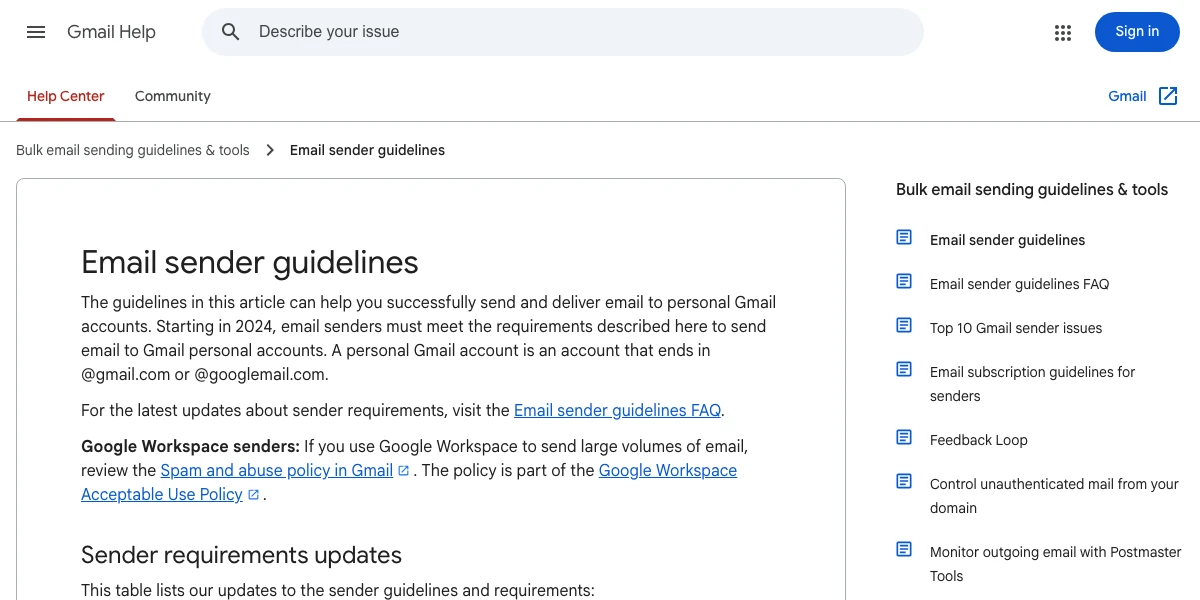
Google's rules split senders in two. Everyone needs SPF or DKIM, valid reverse DNS, and a secure connection. Anyone sending more than 5,000 messages a day to Gmail also needs SPF, DKIM and DMARC.4 A shop sending invoices isn't a bulk sender. But the everyone rules still apply, and those are the ones the 312 domains in our check missed.
When the Bounce Isn't Yours
If customers say their mail to you bounces back, the problem sits on your side of the wire, not theirs. Start with our guide to not receiving emails, which works through MX records and full mailboxes.
And if you get bounces for mail you never sent, someone may be faking your address. A DMARC record set to quarantine or reject is what tells other servers to stop trusting those fakes.
Get Help With Business Email
T3CHS sets up business email at your own domain, adds the records for you and checks that mail arrives. Call or text (949) 65-T3CHS, or send us the bounce and we'll tell you what it means.
Before You Call
What are the common reasons why an email bounces back?
A wrong or closed address, a full mailbox, a message that's too big, or a domain that fails SPF, DKIM or DMARC checks. The code in the bounce tells you which one. A code starting with 5.1 is the address, and 5.7 is usually your domain's records.
Should I delete bounced emails?
Keep the bounce until you've read the code and fixed the cause. It holds the exact error and the server that refused your message. Remove an address that hard bounced with 5.1.1, since sending to it again won't work.
Can you provide an example of an email bounceback message?
A common one from Gmail reads 550 5.1.1 with a note that the account you tried to reach does not exist. Another is 550 5.7.26, which means your message failed SPF and DKIM or was blocked by DMARC.
Why do my emails bounce back from Gmail but not Outlook?
Gmail checks sender records strictly. Every sender needs SPF or DKIM, and mail with neither can be rejected with 5.7.26. Check that your domain has one SPF record and DKIM turned on.
Does a bounced email mean I've been hacked?
Not usually. But a Microsoft 5.2.2 bounce means you went over your sending limit, and Microsoft says that can mean the account is being used to send spam. Change the password and check your sent folder.
Cited Pages
- RFC 3463: Enhanced Mail System Status Codesrfc-editor.orgOpened October 2026
- Google Workspace Help: Gmail SMTP Errors and Codesknowledge.workspace.google.comOpened October 2026
- Microsoft Learn: Email Nondelivery Reports and SMTP Errors in Exchange Onlinelearn.microsoft.comOpened October 2026
- Google: Email Sender Guidelinessupport.google.comOpened October 2026
- RFC 7208: Sender Policy Framework, Sections 4.5 and 4.6.4rfc-editor.orgOpened October 2026
Last reviewed November 1, 2026.
See more of our reporting when you search.
Want T3CHS first in Google? Set us as a preferred sourceWhere This Leads
Put it to work
- Business Email HostingEmail on your own domain that lands in the inbox.
- Email Security CheckerCheck SPF, DKIM, DMARC and MX in one go.
More guides
- Email Deliverability: SPF, DKIM and DMARC ExplainedSPF, DKIM and DMARC are three DNS records that prove your email is really from you, and big inbox providers now require them from bulk senders.
- Not Receiving Emails at Your Business Address? Start HereIf mail to your business address stops, test it from another account and read the bounce. A bounce with a reason means the problem is on your side, usually a full mailbox, a missing address or an MX record that points nowhere. No bounce and no mail usually means spam, a filter or a forwarding rule.
- IMAP vs POP3 for Small Business EmailUse IMAP. It keeps your mail on the server, so your phone, laptop and office computer all show the same inbox. POP3 downloads mail to one device and, by default, deletes it from the server. Pick POP3 only if one computer is the only place you ever read mail and you back it up.
- All GuidesEvery guide in one place.
Look up a term
- Tech GlossaryPlain meanings for 49 tech words.