Guide
Website Down Message to Customers: 7 Templates to Copy
Tell customers three things in plain words. The site is down, how to reach you right now, and when you expect it back. Put that on the down page itself, then send the same note to anyone with a booking. Ask your web person to serve that page with a 503 code, so Google treats the outage as short.
Three Things to Know
- We loaded 500 small business websites on October 30, 2026. 49 failed on two tries ten minutes apart, close to 1 in 10.
- None of the 4 server errors in that check told browsers or Google when to come back.
- Your phone number is the backup plan. Put it in plain text on the down page and near the top of every message.
You'll hear that a website outage is a tech problem, and customers won't notice an hour of it. They notice. A person who hits a blank page or a browser error can't tell if you closed, moved or got hacked. Google notices too. Its crawler documentation says server errors make Google slow down its crawling, and pages that keep failing are dropped from the index in the end.1
So the words you put in front of customers matter as much as the fix. I'll give you seven messages to copy, and show what we saw when we loaded 500 real business sites.
How Often Small Business Sites Go Down
On October 30, 2026 we picked 500 independent auto repair shop websites at random from the 20,872 we track. We loaded each home page. Then we loaded every one that failed a second time, ten minutes later.
- 49 failed both times. That's almost 1 in 10 of the sites listed as a shop's website.
- 17 domains didn't resolve at all. The browser couldn't even find a server. That usually means the domain lapsed or its DNS records broke.
- 15 home pages answered 404 Not Found, 8 had a broken security certificate, 4 timed out and 4 sent a server error.
- 1 site answered 402 Payment Required. Some hosts send that when the hosting bill hasn't been paid.
- 2 more loaded but showed the wrong thing. One was a for sale page, the other an under construction page.
We left out 8 sites that refused our checker with a 403 both times. Some firewalls block automated visits, so we can't say those were down.
One more number stood out. None of the 4 server errors sent a Retry-After line, the part of the reply that tells browsers and Google when to try again. That's the piece of a down page most sites skip.
What Every Down Message Needs
Google's guide to pausing a site lists what an error page should give people. It names links to more information, the date you expect to be back, and how to reach customer service.2 Every message below follows that.
| Put this in | Why it helps |
|---|---|
| What's down, in one line | People stop guessing |
| Your phone number as plain text | They can still book or ask |
| When you expect to be back | They know when to try again |
| Where updates will go | Your social page or Google profile |
| That you're open | They don't go to the next shop |
Leave out the cause. A customer doesn't need to read DNS or server. And don't promise a time you can't keep. Back in five minutes that turns into a day reads worse than no time at all.
Seven Messages to Copy
Swap the parts in brackets. Keep each one short enough to read on a phone.
1. The banner before planned work
Our website will be down for updates on [day] from [time] to [time]. You can still call or text us at [phone] to book or ask about your job.
2. The page during planned work
We're updating our website and will be back by [time] on [day]. Need us now? Call or text [phone]. We're open our normal hours, [hours].
3. The page for a surprise outage
Our website is having trouble right now. We're open and working. Call or text [phone] and we'll help you right away.
4. The text to customers with a booking
Hi [name], our website is down for a bit. Your [day] appointment is still on. Reply here or call [phone] with any questions. [Business]
Send this one only to customers who already text with you about their job.
5. The social post
Our website is down right now and we're on it. We're still open. Call or text [phone] to book, or send us a message here.
6. The phone greeting
If you tried our website today, it's down for a short time. Stay on the line or leave a message and we'll call you back.
7. The all clear
Our website is back up. Thanks for waiting. If you tried to book while it was down, call [phone] and we'll get you in.
Serve the Page the Right Way
The words are for people. The status code is for Google. When you take the site down on purpose, the down page should answer with a 503 Service Unavailable code. The HTTP standard defines 503 as a temporary overload or scheduled maintenance that should clear after a delay.3 A Retry-After line tells browsers how long to wait, as a number of seconds or a date and time.4
Google has asked for this since 2011. Its search team warned against two habits. One is an under construction page sent with a normal 200 OK code. The other is a 404 during downtime. Google said the 503 was the right answer for both cases.5 The newer guide adds a limit. A 503 is for a day or two at most. For a longer break, keep a normal home page up with your message on it.2
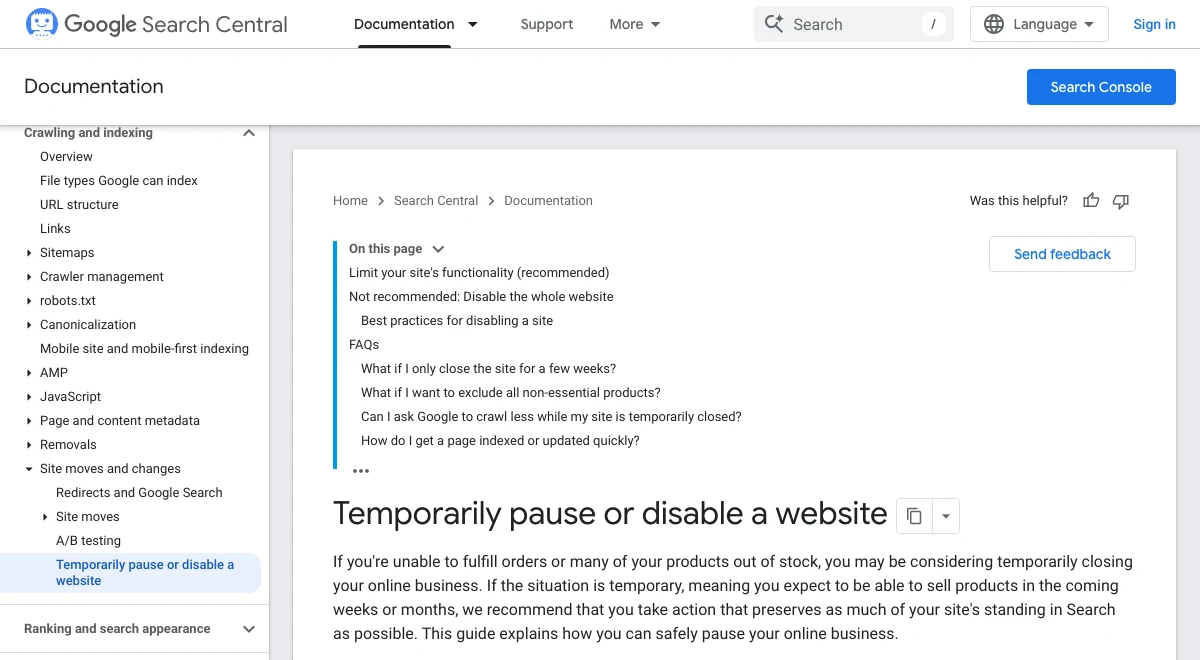
Three more rules from that guide your web person should follow.2
- Never send a 503 for robots.txt. Google says that blocks all crawling of the site.
- Keep the down page plain. Static HTML with the styles inside the page loads even when the server is struggling.
- Don't hide the site with a 403, 404 or 410, or a noindex tag. Those can pull your pages out of Google.
Our 503 error guide shows how to check which code your site really sends and how to clear one that sticks.
When Your Server Won't Answer at All
A down page needs a working server to send it. In our check, 17 domains didn't resolve and 4 timed out. Those sites couldn't show any message at all.
A service in front of your site can cover part of that gap. Cloudflare's Always Online serves a saved copy of your pages when your server can't be reached. It's on every plan, including Free. It looks in Cloudflare's own cache first and then in the Internet Archive.6
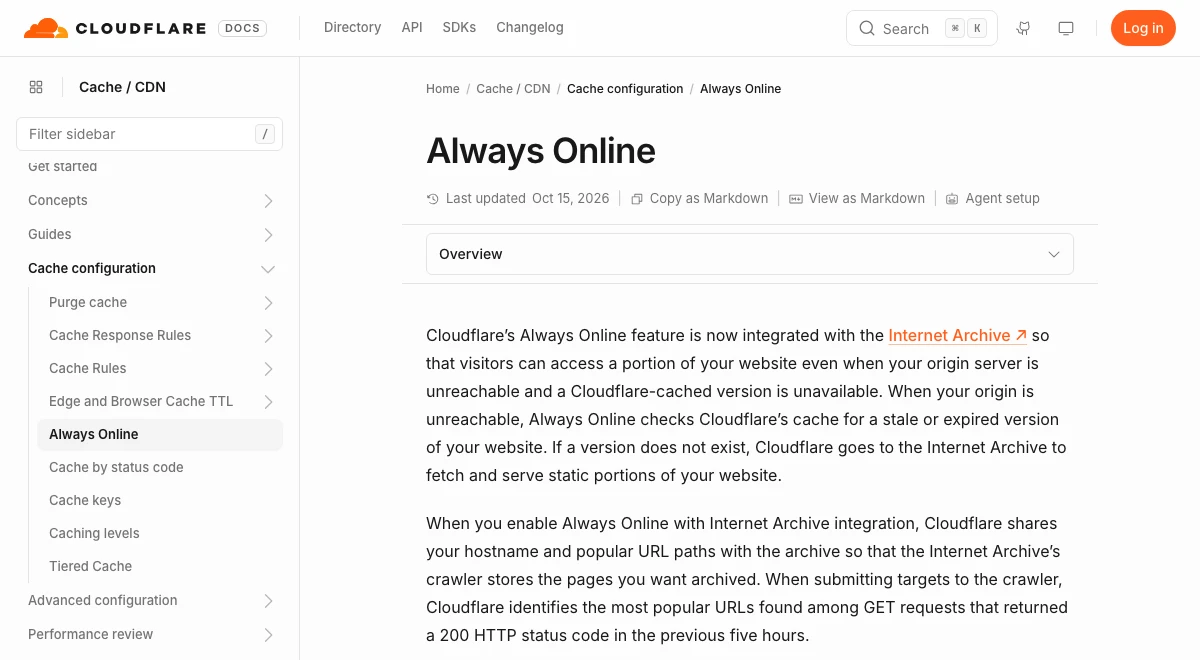
It has limits. It only steps in for Cloudflare's own 520 to 527 errors, not when your server sends its own 5xx error. It can't run forms or carts, and not every page gets saved.6 Think of it as a spare tire, not a fix.
A domain that won't resolve is usually its own problem, like an expired domain or broken DNS. Our guide on what happens when a domain expires covers the clock you're on. If you're not sure the site is down for everyone, start with our guide to this site can't be reached.
Keep Your Google Profile Right
While the website is down, your Google Business Profile is often the page customers still reach. Leave your hours alone if you're open. The phone button there still works.
If the outage means the business itself is closed, change the profile. Google lets you set special hours for a closure of up to 6 days in a row. For 7 days or more, it points you to the temporarily closed setting instead.7
A free uptime monitor is worth setting up after the fact. It can text or email you the moment the site stops answering, often before a customer does.
Get Help With a Down Website
T3CHS sets up hosting for small business websites and helps owners get a broken site back up. Call or text (949) 65-T3CHS, or tell us what your site is showing and we'll help you find the cause.
Before You Call
How long is a website usually down for maintenance?
There's no set length. Plan small updates for a quiet hour and post a time you can beat. Google says a 503 maintenance page is fine for a day or two at most. For anything longer, keep a normal home page up with your message on it.
What does undergoing maintenance mean?
It means the owner took the site offline on purpose to update or fix it. The site should come back by the time the message gives. Until then, call the business if you need it.
Should I announce on social media that my website is down?
Yes, if customers book, pay or check hours on your site. A short post with your phone number stops people from thinking you closed. Post an all clear when the site is back.
Will a few hours of downtime hurt my Google ranking?
A short outage usually won't. Google slows its crawling when it gets server errors and keeps pages it already has at first. Pages that keep failing get dropped in the end, so fix the cause fast.
How do I tell if my website is down for everyone or just me?
Load it on your phone with Wi-Fi turned off. If it fails on both your phone and your computer, it's likely down for everyone. If it only fails on one, the problem is that network or device.
Cited Pages
- Google Search Central: How HTTP Status Codes Affect Google's Crawlersdevelopers.google.comOpened October 2026
- Google Search Central: Pausing or Disabling a Websitedevelopers.google.comOpened October 2026
- RFC 9110: HTTP Semantics, 503 Service Unavailablerfc-editor.orgOpened October 2026
- RFC 9110: HTTP Semantics, Retry-Afterrfc-editor.orgOpened October 2026
- Google Search Central Blog: How to Deal With Planned Site Downtimedevelopers.google.comOpened October 2026
- Cloudflare Docs: Always Onlinedevelopers.cloudflare.comOpened October 2026
- Google Business Profile Help: Set Special Hours or Temporarily Closedsupport.google.comOpened October 2026
Last reviewed November 1, 2026.
See more of our reporting when you search.
Want T3CHS first in Google? Set us as a preferred sourceWhere This Leads
Put it to work
- Small Business Web HostingFast, backed up hosting for small business sites.
- DNS LookupSee the A, MX, TXT, NS and other records for any domain.
More guides
- How to Fix a 503 Service Unavailable Error on Your SiteA 503 means the server is up but has said it cannot serve the page right now. It is either overloaded or in maintenance mode, and on a small site it is often your own site that sent it. Find out who sent the 503, clear that cause, and keep any planned downtime to hours, not days.
- Fix This Site Can't Be Reached on Your Own Business SiteWhen your own site shows This Site Can't Be Reached for everyone, the fault is almost never the visitor's Wi-Fi. Read the code under the message. A name error points at your domain or DNS, and a refused or timed out connection points at your host. Fix the one the code names.
- What Happens When Your Domain ExpiresWhen a domain expires, your website and email stop working soon after, but you usually still have time to renew. Under ICANN rules you get reminders before the date, a window to renew after it, and often a 30 day restore period after that.
- All GuidesEvery guide in one place.
Look up a term
- Tech GlossaryPlain meanings for 49 tech words.