Guide
Wix vs WordPress for a Small Shop: 567 Real Sites Compared
Pick Wix if you'll build and edit the site yourself and never want to think about a server. Pick WordPress if you want to own every file and someone will keep the plugins current. On 567 small business homepages we loaded on October 28, 2026, the Wix sites came back faster, but they were missing a tap to call link almost three times as often.

Three Things to Know
- Wix runs $17 to $159 a month on a yearly plan with hosting included. The WordPress software is free, but hosting is extra, and the cheap first term renews higher.
- A Wix site can't leave Wix. Wix says the site has to run on its own servers. A WordPress site can move to any host whole.
- Plugins are the weak spot on WordPress. Patchstack counted 11,334 new WordPress flaws in 2025, and 91 percent were in plugins.
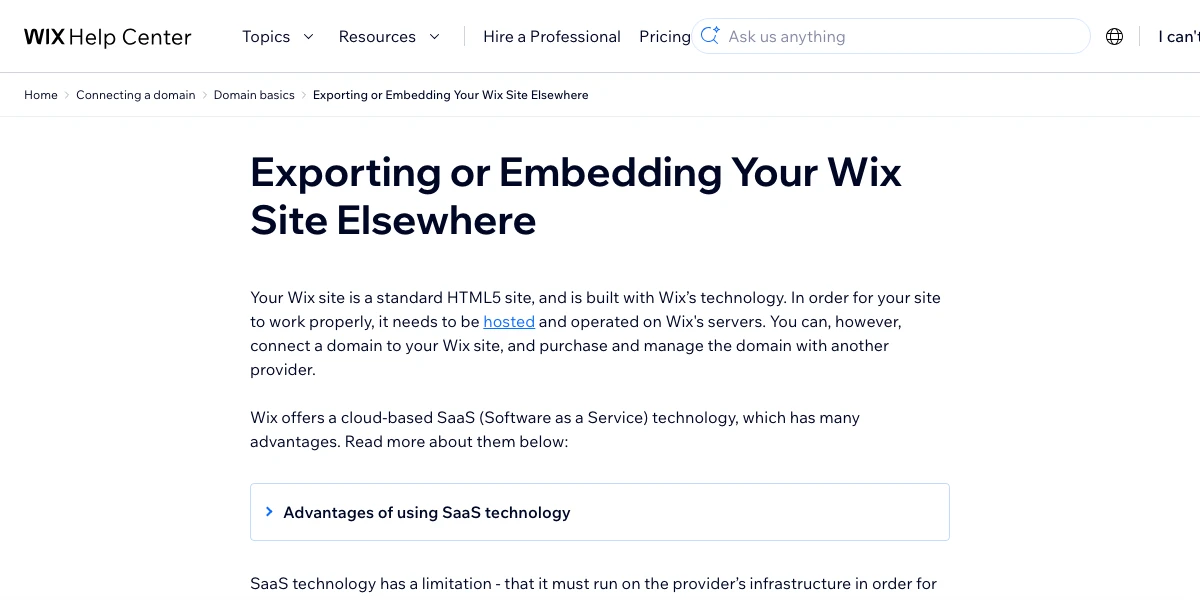
You'll hear that you can start on Wix and move to WordPress later, once the business grows. You can't move it. Wix's own help page on exporting a site says a Wix site has to be hosted and run on Wix's servers.3 Your domain can leave. The pages and the design stay behind.
So the real choice is about the exit, and about who does the upkeep. Looks matter less than either. I build and fix small business sites, and the rebuild after a platform move is the bill owners never plan for.
Pick by Who Does the Work
- Pick Wix if you'll edit the site yourself, you want one bill, and you never want to see an updates screen. It fits a crew of one to five with no web person.
- Pick WordPress if you want the files to be yours, you need a feature Wix doesn't offer, or you already pay someone to check the site every month.
- Don't pick WordPress to save money unless that monthly check has a name next to it. The software is free. The hours aren't.
- Don't pick Wix if you might sell the business and the buyer will want the site on their own host. They'll be rebuilding it.
What Each One Costs in a Year
These are US prices before tax, from Wix's plans page1 and Hostinger's pricing page,2 accessed October 2026. Wix shows its prices for yearly plans paid up front, and says prices vary by location.1
| Plan | Price a month, billed yearly | Cost for one year | Takes payments |
|---|---|---|---|
| Wix Free | $0 | $0 | No |
| Wix Light | $17 | $204 | No1 |
| Wix Core | $29 | $348 | Yes1 |
| Wix Business | $39 | $468 | Yes1 |
| Wix Business Elite | $159 | $1,908 | Yes1 |
| WordPress software | Free | Free | With a store plugin |
| Hostinger Premium hosting | $2.49 for 48 months, then $10.99 | $131.88 a year at renewal | Not a store fee2 |
The yearly totals are our math from those list prices. When we read the Wix page it also ran a banner for 50 percent off select plans, so check the checkout price before you pay.1
Every paid Wix plan comes with a free domain for one year. Wix says that voucher works only for a new domain bought from Wix, not one you already own.1 Our guide to Wix domains covers what the name costs in year two.
The free plan is where a lot of small sites stall. Of the 22,183 auto repair shop websites we track, 235 still use a free wixsite.com address instead of their own name. A paid plan is what connects your own domain and takes the Wix branding off.1
What 567 Real Business Homepages Showed
I wanted to see how real owners actually run these two platforms, not how a demo site does. So on October 28, 2026 we picked 2,000 independent auto repair shop websites at random from the shops we track. We loaded each homepage once from California and read what built it. 1,641 loaded. 452 ran on WordPress and 115 ran on Wix.
| What we checked | Wix (115 sites) | WordPress (452 sites) |
|---|---|---|
| Median size of the homepage file | 629 KB | 158 KB |
| Median time to receive that file | 0.91 seconds | 1.03 seconds |
| Took over 3 seconds | 0 | 49 |
| No tap to call phone link | 61 | 85 |
| No meta description | 31 | 116 |
| No main H1 heading | 23 | 67 |
| Local business schema found | 76 | 133 |
Three things jumped out.
Wix pages are heavy, but Wix sends them fast. The median Wix homepage file was four times the size of a WordPress one. Even so, Wix delivered it a little quicker, and not one Wix site took over 3 seconds. 49 WordPress sites did. That's a hosting problem, not a WordPress problem. Wix runs its own servers, while a WordPress owner picks a host, and some of those picks are slow.
Wix owners skip the phone link. 53 percent of the Wix homepages had no link a customer could tap to call. On WordPress it was 19 percent. A phone number typed as plain text still works on a desktop, but on a phone it's one more step between a customer and your shop.
Wix sites carried local business markup far more often. 66 percent of Wix homepages had schema naming the place as a local business. On WordPress it was 29 percent. That markup helps search engines read your name, address and hours.
The missing meta descriptions came out even, at about one in four on each. That one's on the owner, whatever the platform.
Leaving Is the Real Difference
This is what to decide before you build, not after.
On Wix, the site stays on Wix. The export page says Wix's setup doesn't support hosting the site anywhere else.3 You can buy and manage your domain at another company and point it at Wix. That's the part you can take with you.
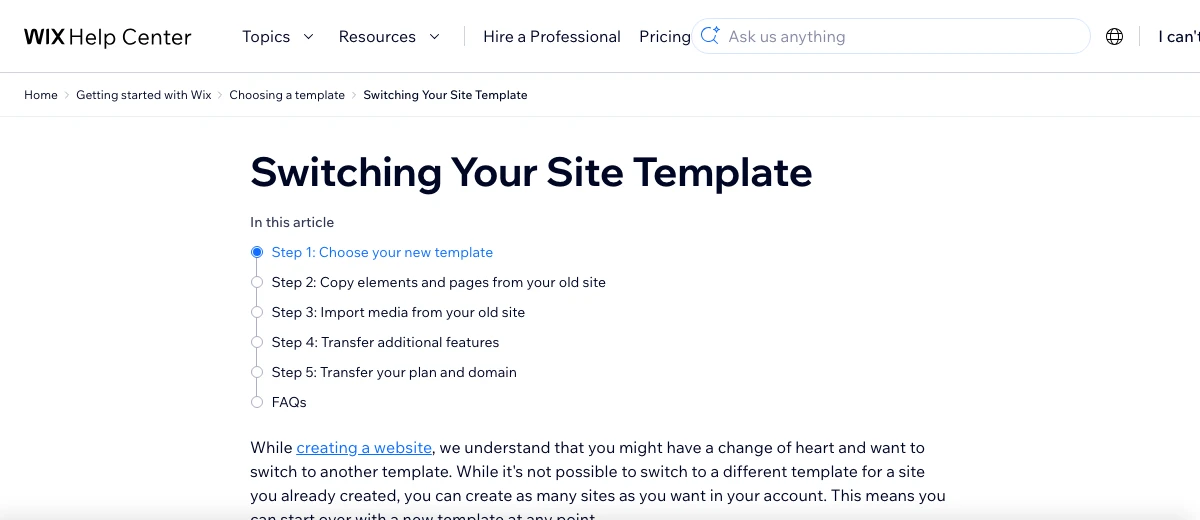
Wix also won't let you swap the template on a site you've already made.4 To change the design from the ground up, you create a new site and copy your pages, media, plan and domain across. That's a rebuild inside Wix.
A WordPress site is files plus a database. You can copy the whole thing to any host that runs WordPress, and you can change the theme without starting over. Our guide to moving a site off GoDaddy walks through that kind of move.
Either way, keep the domain at a registrar you control. Then leaving any platform is a DNS change, not a hostage situation.
Upkeep Is What WordPress Really Costs
The WordPress core gets patched well. The trouble lives in the add-ons. Patchstack's State of WordPress Security in 2026 counted 11,334 new flaws in the WordPress world in 2025. About 91 percent were in plugins and 9 percent in themes. Core had just 6 reports.5
Attackers move fast, too. Patchstack found the most targeted flaws were first attacked a median of 5 hours after going public.5 A site checked once a month is open for weeks.
Plugin updates aren't automatic by default either. The WordPress auto update guide says owners turn them on plugin by plugin, a choice added in version 5.5. Once they're on, WordPress checks for them twice a day.6
Wix has no plugin folder for you to manage. You give up that freedom, and that chore goes with it. Our Squarespace vs WordPress guide shows how up to date real WordPress business sites keep their core, and our maintenance cost guide prices the hours.
Which One I'd Pick for a Local Service Business
For most one to five person service businesses, I'd pick Wix. Upkeep is the thing that sinks small sites, and Wix takes it off your plate. Then I'd spend ten minutes making the phone number a tap to call link, because more than half the Wix owners in our check never did.
I'd pick WordPress for a shop that wants online booking tied to its own software, dozens of service and city pages, or a site it may hand to a new owner or a new host one day. But only with a named person on monthly updates and a host that answers in under a second.
If you're weighing Squarespace too, our Squarespace vs Wix guide has both price tables and the year two math.
Get Help Picking or Moving
T3CHS builds websites for local businesses with hosting, domain, email and SSL ready on launch day. Call or text (949) 65-T3CHS, or send us your current site and we'll tell you what it runs on and what it needs.
Before You Call
What are the cons of using Wix?
You can't move a Wix site to another host, and you can't switch templates on a site you've already built. If you outgrow Wix, plan on a rebuild. Your domain is the one piece you can take with you.
Which is better than Wix?
It depends on the job. WordPress gives you full ownership and more features, with more upkeep. Squarespace is just as hands off with fewer layout choices. A site built and kept for you takes the work off your plate entirely.
How much does Wix cost per month?
In October 2026, Wix listed Light at $17, Core at $29, Business at $39 and Business Elite at $159 a month on a yearly plan, before tax. Light can't take payments. The free plan uses a wixsite.com address.
Can I move my Wix site to WordPress?
Not as a copy. Wix says its sites have to run on Wix's servers, so you rebuild the pages in WordPress and move your domain over. Keep the same page addresses where you can so you don't lose search rankings.
Is Wix or WordPress better for SEO?
Both can rank well. Setup matters more than the platform. In our October 2026 check of 567 business homepages, about one in four on each platform had no meta description, and over half the Wix sites had no tap to call link.
Cited Pages
- Wix: Plans and Pricingwix.comOpened October 2026
- Hostinger: Pricinghostinger.comOpened October 2026
- Wix Help Center: Exporting or Embedding Your Wix Site Elsewheresupport.wix.comOpened October 2026
- Wix Help Center: Switching Your Site Templatesupport.wix.comOpened October 2026
- Patchstack: State of WordPress Security in 2026patchstack.comOpened October 2026
- WordPress.org Documentation: Plugin and Themes Auto Updateswordpress.orgOpened October 2026
Last reviewed November 1, 2026.
See more of our reporting when you search.
Want T3CHS first in Google? Set us as a preferred sourceWhere This Leads
Put it to work
- Website Design for Small BusinessWebsite design and builds for your trade.
More guides
- Squarespace vs WordPress for a Small Business SitePick Squarespace if you want one bill and no updates to manage. Pick WordPress if you want to own every file and someone will keep the plugins and server current. In our October 25, 2026 check of 1,244 small business homepages, 322 ran on WordPress and 48 on Squarespace.
- Squarespace vs Wix for Small Business (2026)Pick Squarespace if you want a clean site fast and plan to sell online. Pick Wix if you want to place every box yourself or need a free plan to start. On October 13, 2026 the middle plans both listed at $29 a month on a yearly plan. Wix was cheaper in year one only because of a sale.
- How Much Does Website Maintenance Cost in 2026?A small business website can cost as little as about $144 a year in cash to keep online, plus your time. A builder plan like Squarespace runs about $348 a year. The biggest cost is often the hours, not the bills, so price the time before you pick a plan.
- All GuidesEvery guide in one place.
Look up a term
- Tech GlossaryPlain meanings for 49 tech words.